Westhaven National Bank Preparing secure banking
A person managing their personal accounts on a phone
Personal Banking

Banking That Fits Around Your Week.

Your paycheck lands, bills go out, and a little goes toward what you're saving for. Westhaven National Bank keeps all of it in one place, in language you don't have to decode.

Everyday Banking

One Account for Money Coming In and Going Out

Direct deposit, bill payments, card purchases and transfers — handled from the same screen.

Direct deposit

Have your pay sent straight to your checking account so it is there on payday.
Bill payments

Set up the bills you pay every month and keep track of what has gone out.

Transfers

Move money between your checking and savings accounts whenever you need to.

Checking

The Account You Use Every Day.

Your checking account is where your paycheck arrives, your bills are paid from, and your debit card draws on. Westhaven National Bank keeps the balance and recent activity in front of you.
  • Current balance up frontNo hunting through menus to find it.
  • Transactions you can readMerchant names and dates, not just codes.
  • Alerts you chooseGet told about deposits, low balances or large purchases.
More about checking
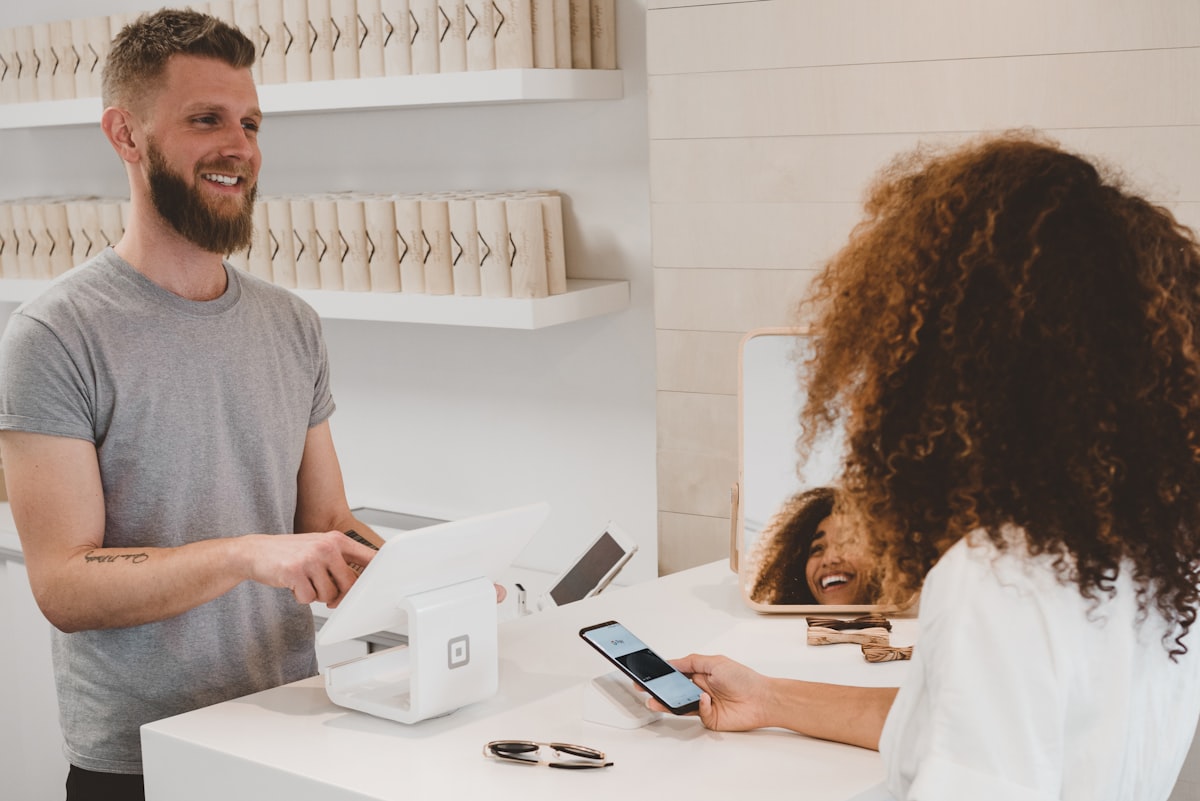
A person paying for a purchase with a debit card
Savings

Money Set Aside, Not Forgotten.

Give what you're saving for a name and an amount. Westhaven National Bank keeps the running total visible so progress doesn't depend on you remembering to check.

  • Named goals"Emergency fund" makes more sense than "Savings 2".
  • Scheduled transfersMove a set amount across each payday.
  • Available when plans changeYour savings stay reachable.
More about savings
Someone reviewing their savings plan at home
Money Management

Understand Your Money Without a Spreadsheet

Simple views that answer the questions people actually ask about their accounts.

Where your money went

Spending grouped into categories so the month makes sense at a glance.

What just happened

Notifications when money moves, so nothing is a surprise later.

What it looked like last month

Digital statements you can open whenever you need them.

Digital Banking

The Same Bank on Every Screen.

Phone on the train, laptop at the kitchen table, tablet on the couch — the layout and the information stay the same wherever you sign in.

  • Sign in once, see everythingChecking, savings and cards together.
  • Built for small screens firstLarge targets and readable text.
  • Nothing extra to installYour browser works fine.
Cards

Pay in Person or Online

A debit card for everyday spending and a virtual card for the internet.

Security

Protection You Can Actually See Working.

Security is only useful if you understand it. Westhaven National Bank tells you what happened, where, and what to do about it.

  • Secure sign-inAdd a second step so a password alone isn't enough.
  • Device awarenessSee what has signed in and remove anything unfamiliar.
  • Card freezePause a card yourself while you look for it.
Learn about security
A person reviewing account security settings on a laptop
Questions

Personal Banking Questions

Choose Open an Account, fill in your name, email and phone number, and create a password. In a real bank you would then confirm your identity before the account opens.

Yes. Most people keep a checking account for everyday spending and a savings account for money they are setting aside, and move money between the two.

Direct deposit is set up through your employer using your account and routing numbers, which you would find in online banking once your account is open.

Freeze the card from your account first, then contact support. Freezing stops new purchases while you look for it, and you can unfreeze it yourself if it turns up.

Enjoy a seamless banking experience on your phone. Our website is optimized for mobile browsers, so you can access your account without installing an app.

Start With an Account That Makes Sense.

Open a Westhaven National Bank account and keep your everyday money organized from day one.

Log In Open Account